
How to make DuckDuckGo your phone's default search engine
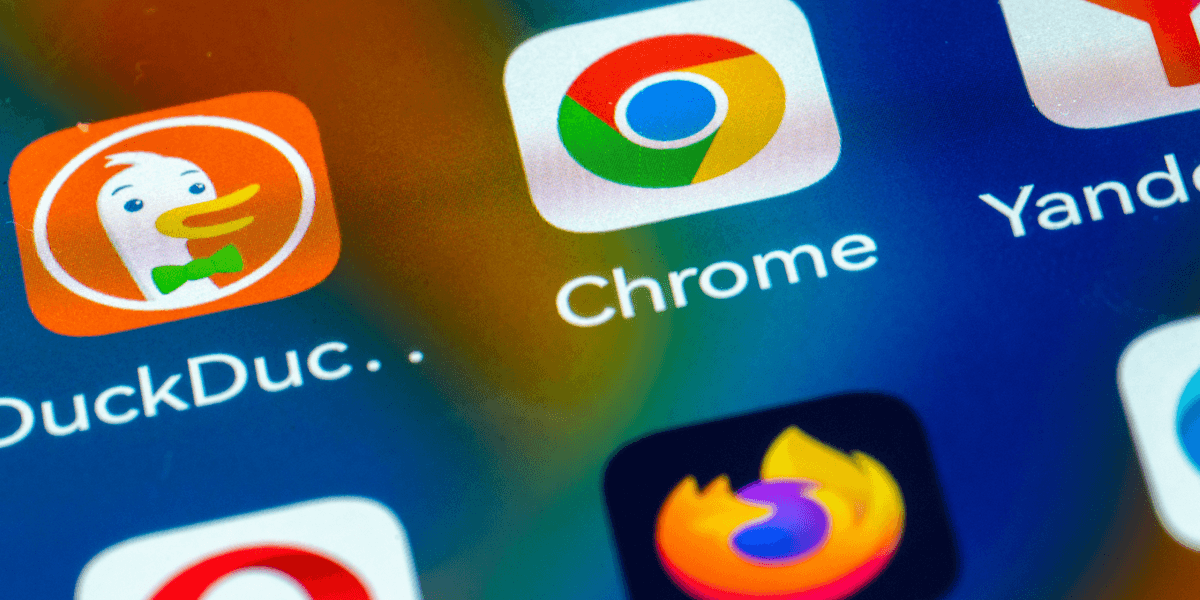
For decades, Google dominated the search engine race, beating out competitors like Bing, Yahoo, and many others as the de facto arbiter of information on the internet. However, for reasons only Google execs can understand, the Big Tech giant has since decided to let its search engine fade into obscurity beneath the shadow of AI. Naturally, users aren’t happy, and many of them are flocking to an alternative for a better experience.The search engine everyone’s squawking aboutWhether you’ve heard of it or not, DuckDuckGo has been around since 2008. It bills itself as a privacy-focused search engine that does exactly the opposite of Google — it won’t monetize your queries, spy on your browsing history, or inject political bias into its algorithm. It simply delivers search results, and that’s it.The sudden surge is a clear rejection of Google’s new AI-first strategy.Shortly after Google’s announcement to push AI interactions over classic Search, users looked to DuckDuckGo as their saving grace. According to DuckDuckGo on X, installs of its app jumped up 30 in the United States.Why? After all, DuckDuckGo offers an AI search mode, just like Google. How is it any better? The difference is that DuckDuckGo lets users actively remove AI from their queries, while Google puts AI front and center. DuckDuckGo with AI (L); DuckDuckGo without AI (R). Screenshots by Zach LaidlawThe sudden surge is a clear rejection of Google’s new AI-first strategy, though it hasn’t stopped the company from moving forward. In the grand scheme of things, a 30 jump for a competitor that only boasts 2 of the search engine market is quite small compared to Google’s dominating 90. Still, after Microsoft spent hundreds of billions of dollars to lure Google customers over to Bing, it’s interesting to see DuckDuckGo have its moment simply because Google neglected its search engine roots.How to make DuckDuckGo the default search engine on iPhone and AndroidIf you want to change the default search engine on your phone, it’s pretty easy, though the steps are a little different depending on your operating system and default browser. If you do try it out and decide you don’t like it, you can always switch back using this guide in reverse.RELATED: Sick of Microsoft's preinstalled propaganda on your PC? Block it now. DigitalVision/Getty Images Safari on iPhone: Open the Settings app, scroll to the bottom, tap “Apps,” then select “Safari” from the list. Beneath the “Search” section, choose “Search Engine,” and change the default from Google to DuckDuckGo. Screenshots by Zach Laidlaw/Safari on iPhone Chrome on Android: Open the Chrome app, tap the three-dot menu in the top right corner, and choose “Settings.” Beneath the “Basics” section, tap “Search Engine” and change the default option from Google to DuckDuckGo. Screenshots by Zach Laidlaw/Chrome on AndroidChrome on iPhone: Open the Chrome app, tap the three-dot menu in the bottom right corner, and open “Settings.” Then tap “Search Engine,” change it from Google to DuckDuckGo, and you’re done! Screenshots by Zach Laidlaw/Chrome on iPhoneEdge on Android: Open the Microsoft Edge app, tap the hamburger menu in the bottom right corner, and go into “Settings.” Then tap “Search” and change the search engine from Bing to DuckDuckGo. Screenshots by Zach Laidlaw/Edge on AndroidEdge on iPhone: Open the Microsoft Edge app, tap the hamburger menu in the bottom right corner, and choose “Settings.” Then select “Search” and change the “Select Search Engine” option from Bing to DuckDuckGo. Screenshots by Zach Laidlaw/Edge on iPhoneBrave on Android: Open the Brave app, tap the three-dot menu in the bottom right corner, and open “Settings.” Under the “General” section, select “Search Engines” and change the Standard Tab and Private Tab to DuckDuckGo. Screenshots by Zach Laidlaw/Brave on AndroidBrave on iPhone: Open the Brave app, tap the three-dot menu in the bottom right corner, and choose “All Settings.” Under the “General” section, tap “Search Engines” and change the Standard Tab and Private Tab to DuckDuckGo. Screenshots by Zach Laidlaw/Brave on iPhoneFirefox on Android: Open the Firefox app, select the three-dot menu in the top right corner, followed by “Settings.” Under “General,” tap “Search,” then “Default search engine,” and switch it to DuckDuckGo for normal and private browsing. Screenshots by Zach Laidlaw/Firefox on AndroidAnd finally, Firefox on iPhone: Open the Firefox app, select the three-dot menu at the bottom, and tap “Settings.” Under “General,” choose “Search,” then “Default Search Engine,” and change it to DuckDuckGo. Screenshots by Zach Laidlaw/Firefox on iPhone Happy Duck hunting!
Narrative Intelligence Brief
This article was published by Conservative Review, a source frequently categorized with a right bias based in United States of America. Our narrative intelligence engine continuously monitors coverage from this outlet to track framing, bias, and rhetorical patterns. Our initial algorithmic scan of this specific piece did not flag high-confidence rhetorical techniques, suggesting a generally straightforward reporting style or neutral framing. By understanding the editorial perspective of Conservative Review, readers can better contextualize the information presented and compare it across our broader media matrix to find the real narrative.
Explore related topics: Stay informed with Real Narrative News as we track unfolding stories. Dive deeper into our coverage of pivotal topics including kennedy center, james harden, trump iran, coupe monde, donald trump, signed tomorrow, signed sunday, harden arrested, توقيع الاتفاق, and hormuz. Our intelligence streams continuously monitor these keywords to bring you unbiased analysis and real-time updates on topics like "How to make DuckDuckGo your phone's default search engine".
More from Conservative Review
June 13, 2026
Texas Tech quarterback cleared to play after $90K gambling scandal — Steve Deace slams ‘toxic empathy’
June 13, 2026
How to make DuckDuckGo your phone's default search engine
June 13, 2026
‘Sophie Of Dundee’ Has Been Vindicated, But It Won’t Change Anything In Britain
June 13, 2026
Corporate giants vs. the family farm: New initiative targets the monopolies pillaging rural America
June 13, 2026
Trump’s new tariffs will put America’s rivals on notice
Analysis Methodology
This narrative analysis was generated using the CoDataLab Global Intelligence Engine. Our proprietary AI scans thousands of cross-border sources to identify sentiment patterns, framing techniques, and potential media bias. While AI provides the data-driven foundation, our objective is to empower readers with additional context beyond the standard headline.The content displayed above is a structured summary designed for rapid information processing. For the full original report, please visit the source outlet.More Coverage
Discussion