China’s insane video AI model is now available in the U.S. Here’s how to use it
April 3, 2026
Fast Company
At last, Seedance 2.0 is now available in the U.S. This extraordinary generative video AI model made by TikTok’s Chinese parent company ByteDance is capable of creating high-definition video so realistic that it’s shattering our visual truth into a billion pieces. But hey, who cares? If we are going down in flames as a species, let’s have fun putting dumb videos together.
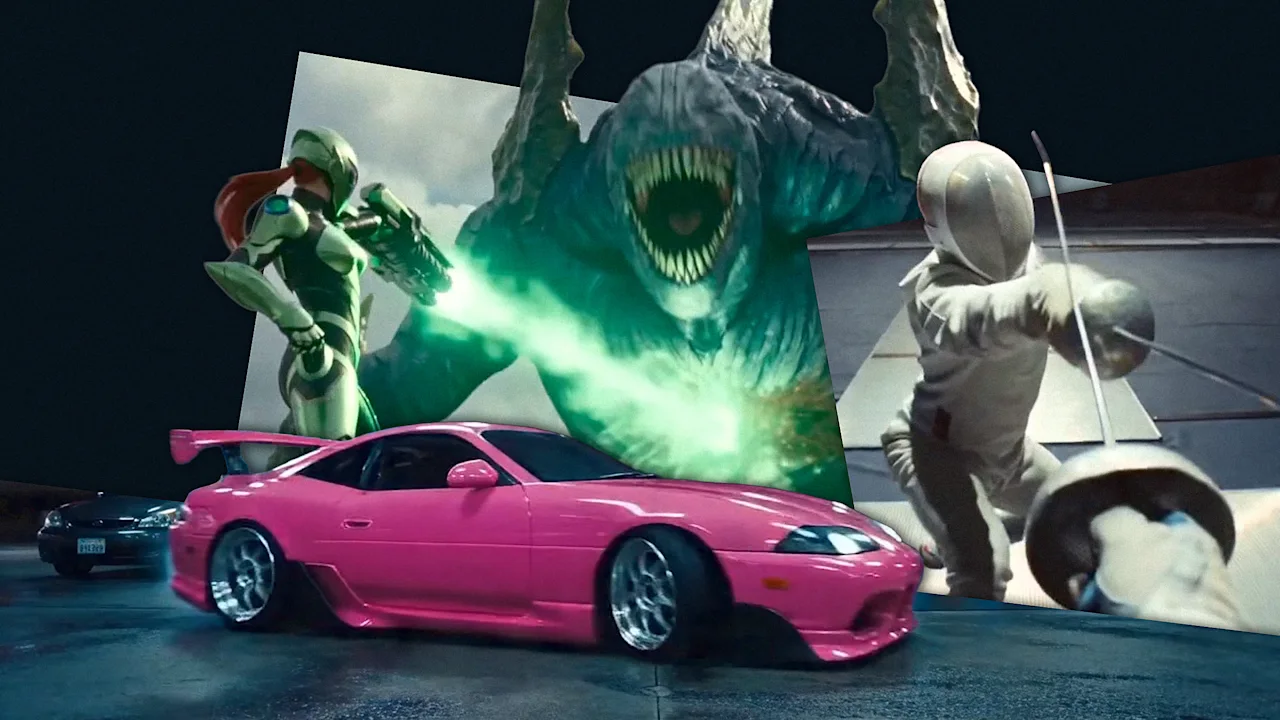
I’ll tell you how to do it in this short guide on how to make Seedance 2.0 videos. Time to roll up for a Magical Mystery Tour. Step up right this way! [Video: Higgsfield.ai] Signing up for Higgsfield To use Seedance 2.0, you first need to sign up for Higgsfield. This platform is essentially a unified digital workspace that wrangles multiple artificial intelligence video engines—like Seedance, Veo, and Kling—into a single interface. Instead of paying for a dozen disjointed subscriptions, you get a centralized dashboard to use them all. [Screenshot: Higgsfield.ai] To get started, you have to create an account and subscribe to either the Business (49 billed monthly) or Ultra (84) tier. If you happen to live outside the U.S. or Japan, prepare to jump through one extra hoop by verifying a corporate email address to unlock the model. [Screenshot: Higgsfield.ai] Generating content on this platform runs through the typical credit economy. A standard 5-second clip rendered at 720p resolution burns 30 credits. Each credit costs from 0.04 to 0.08, depending on your subscription plan. To “celebrate” the End of Reality as We Know It, the company is currently offering 65 off at sign-up offer to lessen the initial financial blow. [Video: Higgsfield.ai] How Seedance 2.0 works Once you are in, you can select Seedance 2.0 from the main dropdown menu. Seedance 2.0 is multimodal, which means it accepts up to 12 simultaneous media inputs. You can upload nine static reference images, three distinct video snippets capped at 15 seconds each, and three audio tracks. It then spits out video shots (at 480p, 720p, 1080p or 2K resolution with upscaling) that max out at 15 seconds per generation. The model puts everything together, constructing the visuals, building up the characters (and maintaining coherent appearance between shots), moving the camera per your instructions, and syncing sound and speech at the exact same millisecond. The result is flawless lip-syncing and accurate spatial noise without needing a dedicated post-production pass (although professionals will actually integrate the results into dedicated editing software like Adobe Premiere). It is very simple to run, so go for it and give it a spin: Upload your reference files into the workspace and type out a plain-language description of what you want to see. After you hit generate, you will get your clip. If the platform defaults your output to 480p or 720p to save processing time, you can dive into the advanced settings to force a higher pixel count, or simply run the draft through their built-in upscaling tool to push it to a crisp 1080p or 2K finish. If you need a longer movie, you can click “extend” to chain multiple 15-second blocks together indefinitely. [Video: Higgsfield.ai] Craft the perfect prompt for Seedance 2.0 For best results, however, you need to follow some basic rules for writing prompts. Nothing hard, but you must use the following structure. First, start by explicitly defining your subject—their clothing, identity, and the surrounding environment—before moving on to the specific action and how long it should take. From there, you dictate the exact camera framing, such as a “slow dolly-in,” followed by the overall cinematic style and any strict constraints. Try to use positive instructions to describe what should exist on screen, entirely avoiding negative commands. Specificity is your best weapon against the AI’s natural tendency to hallucinate (although this model is really good at understanding the world). This is especially important for scenes with several characters that may get confused. Instead of just trying to control the “man,” talk about the “blonde man in a pink tutu” so the engine does not get confused. The smartest workflow here is to generate some short five-second screen tests first. If the resulting footage is slightly off, tweak only a single variable in your text prompt and regenerate, methodically isolating the problem rather than rewriting the entire scenario from scratch again and again. Once you are happy, build on that experience to create your final shot. Now go on, take out your credit card, and have fun destroying the planet and our brains!
Fast Company
Coverage and analysis from United States of America. All insights are generated by our AI narrative analysis engine.